
No. I · Virtual try-on
Inspired by Botticelli, The Birth of Venus
Glimr
Try On Clothes & Hair
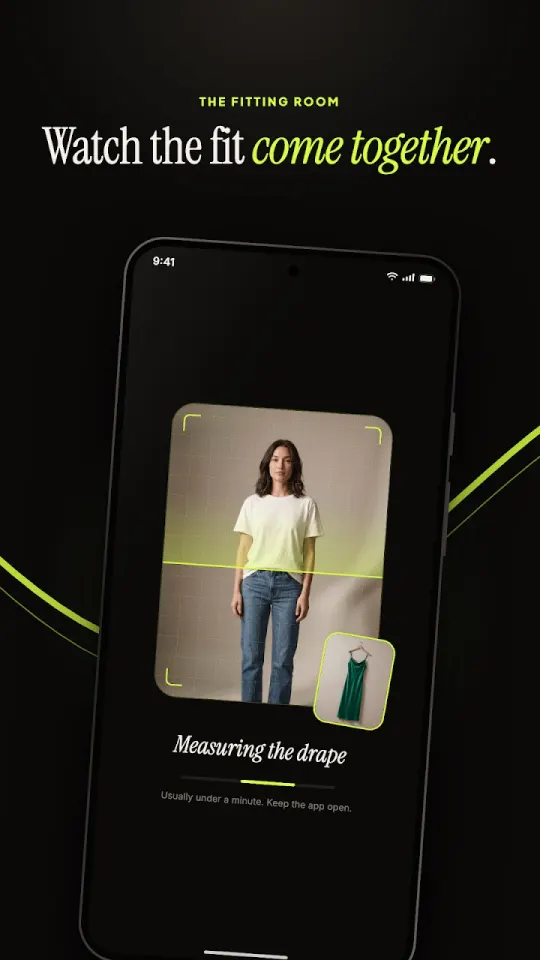
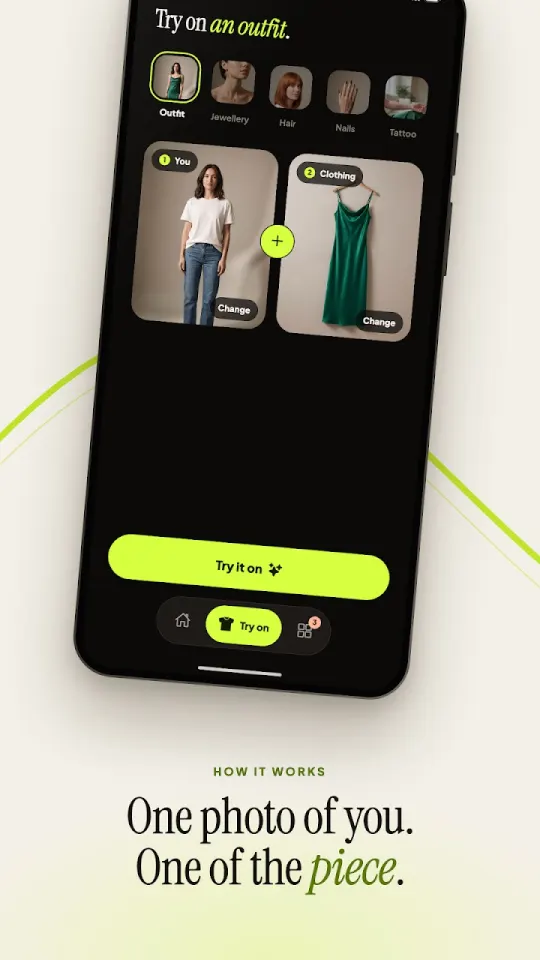
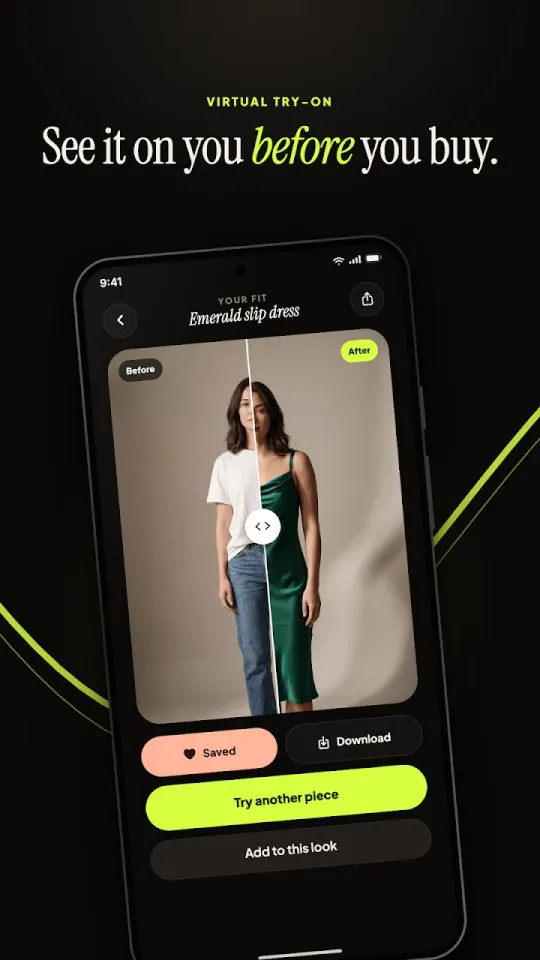
See it on you before you buy it, book it or ink it. Add one photo of yourself and one photo of the thing you want to try, and Glimr shows you wearing it.
It works for five kinds of things, all in the same simple flow: pick what you're trying, add the two photos, and watch the fitting room do the rest.
What it does
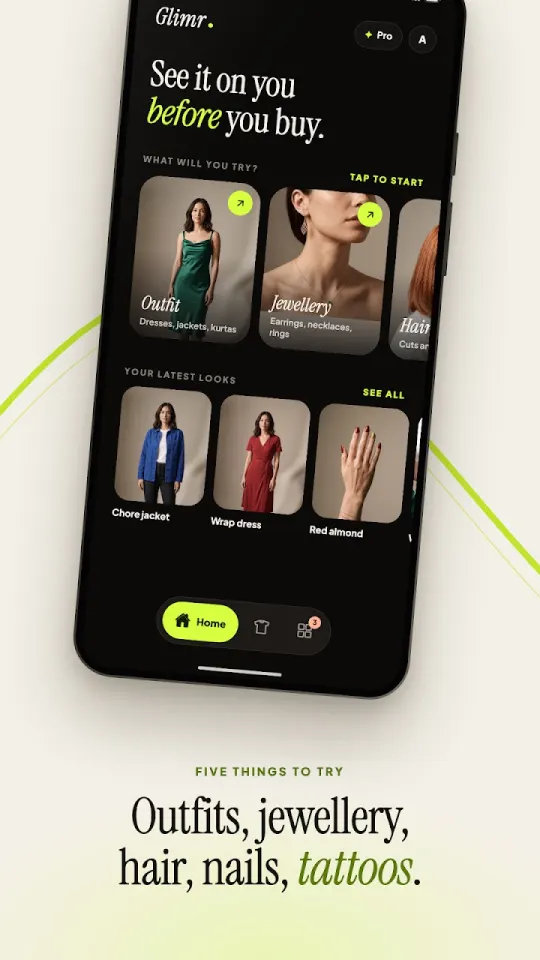
Five things you can try on
Outfits
Dresses, tops and full looks, tried on a full-body photo of you.
Jewellery
Earrings and necklaces on a head-and-shoulders photo.
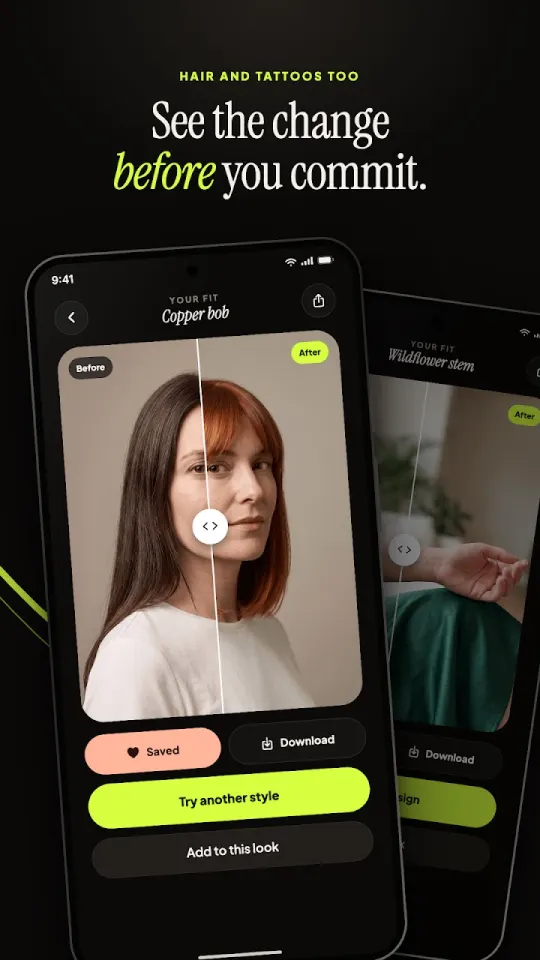
Hairstyles
Preview a new cut or colour before you sit in the chair.
Nail designs
Any design you've saved, on a photo of your own hand.
Tattoos
Choose where it goes and how big, then see it on your skin before getting inked.
See an example
Not sure yet? Play a sample try-on first and see exactly how it works.
The gallery
A look inside
The details
Why Glimr?
- Before & after
- Drag the divider across the result to compare the original with the new look.
- Build a whole look
- “Add to this look” layers try-ons: put the earrings on the dress you just tried.
- Your photos, remembered
- Glimr keeps one photo per framing, so trying a second piece takes one upload, not two.
- All your looks in one place
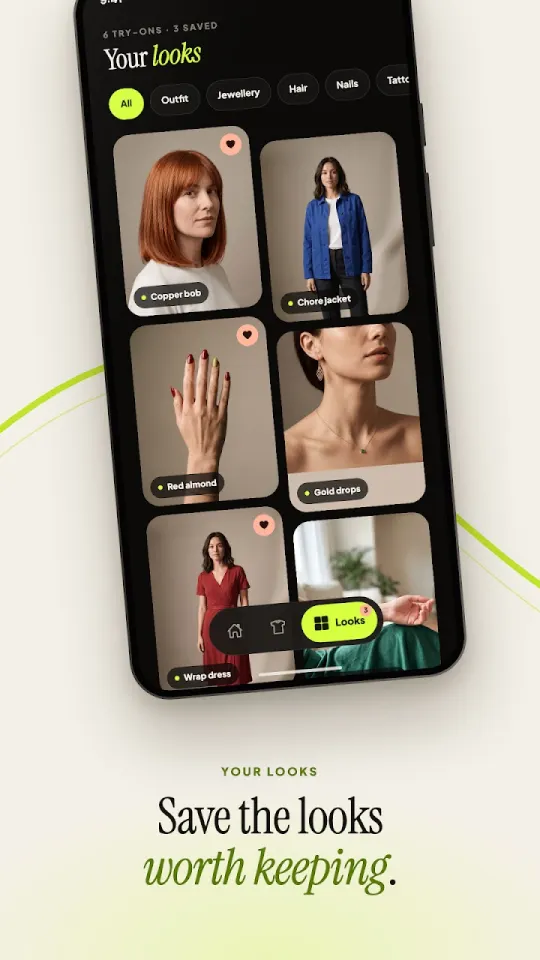
- Every try-on is saved to Looks, ready to download, share or try again.